
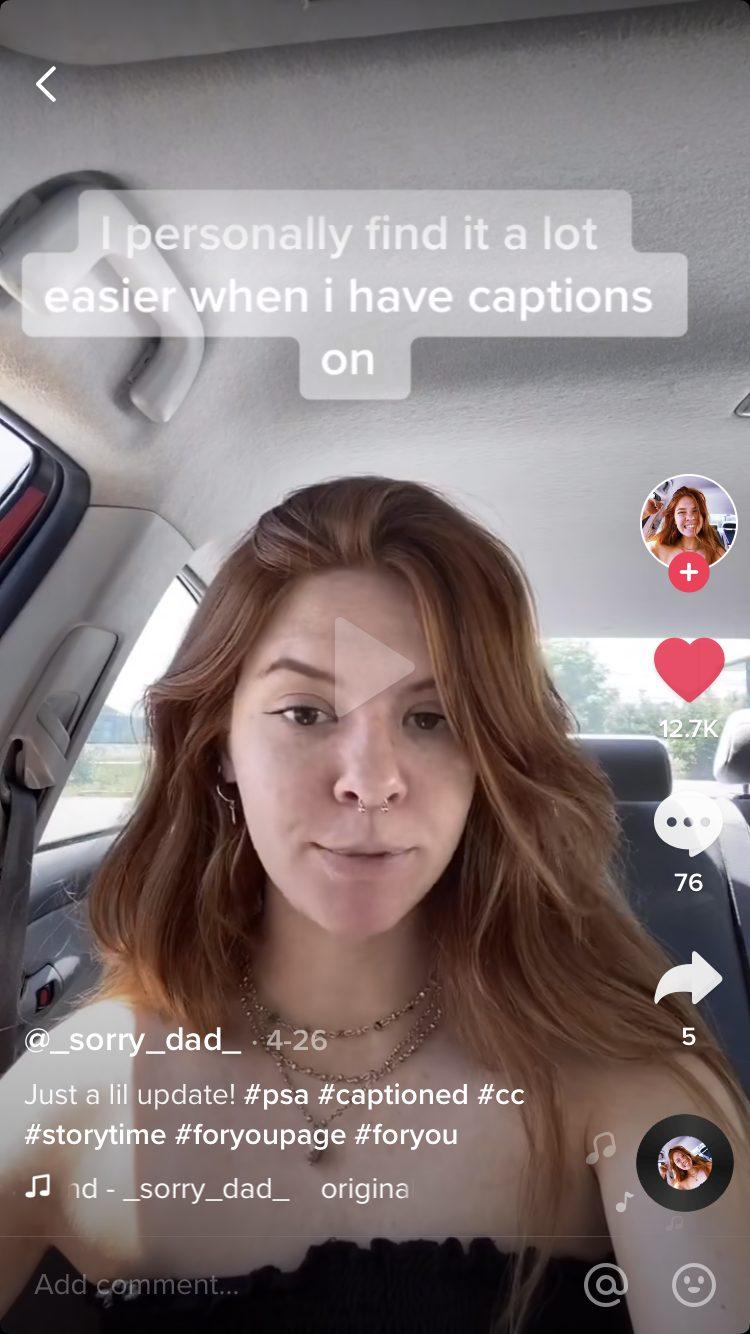
Welcome to our step-by-step guide on adding captions and subtitles to your TikTok videos! In today’s fast-paced digital landscape, engaging content is key to capturing and retaining your audience’s attention. As TikTok continues to grow in popularity, creators are always looking for new ways to enhance their videos and make them more accessible. Adding captions and subtitles not only helps viewers who are hard of hearing but also caters to those who may be watching without sound. Whether you’re a seasoned TikToker or just starting out, this guide will walk you through the simple process of integrating captions and subtitles into your videos. Let’s dive in and discover how to elevate your TikTok content!
Table of Contents
- Understanding the Importance of Captions and Subtitles on TikTok
- Choosing the Right Tools for Creating Captions and Subtitles
- Step-by-Step Process for Adding Captions in the TikTok App
- Best Practices for Subtitle Formatting and Accessibility on TikTok
- Key Takeaways
Understanding the Importance of Captions and Subtitles on TikTok
In today’s digital landscape, where attention spans are fleeting, engaging content is essential. Captions and subtitles serve multiple purposes on platforms like TikTok, enhancing user experience and broadening audience reach. They provide meaningful context, allowing viewers to grasp the essence of the video even without sound. This accessibility is crucial, particularly for hearing-impaired individuals, and it also caters to international audiences who may not be fluent in the video’s original language. By incorporating text, creators can significantly improve their video’s engagement rates, as users are more likely to watch and share content that includes subtitles.
Moreover, captions can drive deeper connections with the audience by adding a layer of emotion and creativity. Utilizing stylized fonts, creative text animations, and timed captions can amplify the storytelling aspect of videos. Additionally, research shows that videos with captions receive more comments and shares, making them more likely to go viral. Consider the following advantages when deciding to add captions and subtitles:
- Increased Engagement: Viewers are more likely to interact with content that contains text.
- Search Optimization: Text in captions can help your videos become more discoverable.
- Better Retention: Audiences remember messages more effectively when they both see and hear them.
- Broader Reach: Captions attract non-native speakers and those with different accessibility needs.
Choosing the Right Tools for Creating Captions and Subtitles
When it comes to adding captions and subtitles to your TikTok videos, selecting the right tools can dramatically enhance the quality and efficiency of your content creation. Various software and applications cater to different needs, whether you’re looking for automated caption generation or manual editing capabilities. Here are some popular options to consider:
- InShot: A user-friendly video editor that offers captioning features.
- CapCut: A free video editing app with built-in subtitle functionality.
- Rev: A reliable service for high-quality transcription and captioning.
- Adobe Premiere Pro: For advanced users wanting more control over typography and styles.
Choosing the appropriate tool often depends on your specific requirements, such as budget, the complexity of your editing needs, and your level of comfort with technology. To assist you further, consider the following comparison of key features among popular tools:
| Tool | Automatic Captioning | Manual Editing | Price |
|---|---|---|---|
| InShot | Yes | Yes | $3.99/month |
| CapCut | Yes | Yes | Free |
| Rev | No | Yes | $1.25/minute |
| Adobe Premiere Pro | Yes | Yes | $20.99/month |
Step-by-Step Process for Adding Captions in the TikTok App
Adding captions to your TikTok videos can enhance viewer engagement and accessibility. To start, open the TikTok app and create or upload your video as usual. Once you’ve finished editing, locate the “Text” option on the bottom right of your screen. By tapping this, you’ll enter the text editing mode where you can type your desired caption. Customize your text by selecting different fonts, styles, and colors. After that, you can resize and position your caption on the screen according to your preference.
Once you’ve finalized the placement of your captions, it’s important to set their duration. Tap on the text box, and a menu will appear allowing you to select the “Set duration” option. This feature enables you to choose exactly when your caption appears and disappears within the video timeline. To ensure everything is perfect, preview your video before posting. If everything looks good, proceed to share your video with captions that will make it more engaging for viewers!
Best Practices for Subtitle Formatting and Accessibility on TikTok
When creating subtitles for your TikTok videos, adhering to certain formatting standards can greatly enhance the viewing experience. First, ensure that your captions are concise and easy to read. Aim for short sentences and avoid jargon unless it’s vital to the content. Use a contrasting color for your text against the video background; white text with a dark shadow or outline usually works well. Pay attention to timing—captions should appear for a sufficient duration to allow viewers to read them without rushing. Consider including the speaker’s name, especially in videos with multiple speakers, to minimize confusion and enhance clarity.
Furthermore, accessibility is key to reaching a broader audience. Incorporating captions is not just beneficial for those who are hard of hearing; it also helps non-native speakers and individuals watching without sound. Utilize the following best practices:
- Use grammatically correct sentences and punctuation.
- Place captions at the bottom of the screen, leaving ample space so viewers can see any relevant action occurring in the video.
- Add visual cues for sound effects or music, such as [“soft piano music playing”].
To emphasize the importance of these practices, consider the following table that summarizes how different audiences benefit from well-formatted captions:
| Audience | Benefits of Captions |
|---|---|
| Hard of Hearing | Access to dialogue and sound effects. |
| Non-Native Speakers | Easier understanding of spoken content. |
| Viewing in Noisy Environments | Ability to follow content without sound. |
Key Takeaways
adding captions and subtitles to your TikTok videos can significantly enhance your content and broaden your audience reach. Whether you’re looking to make your videos more accessible for viewers with hearing impairments or simply want to capture the attention of users who prefer watching videos without sound, the process is straightforward when you follow the steps outlined in this guide.
Remember, taking the time to incorporate captions not only demonstrates your commitment to inclusivity but also helps engage your audience on a deeper level. With practices quickly evolving on platforms like TikTok, utilizing captions can set your content apart in a competitive landscape. So, go ahead and give it a try—your viewers will appreciate it, and you’ll likely see a boost in engagement. Happy TikToking!