
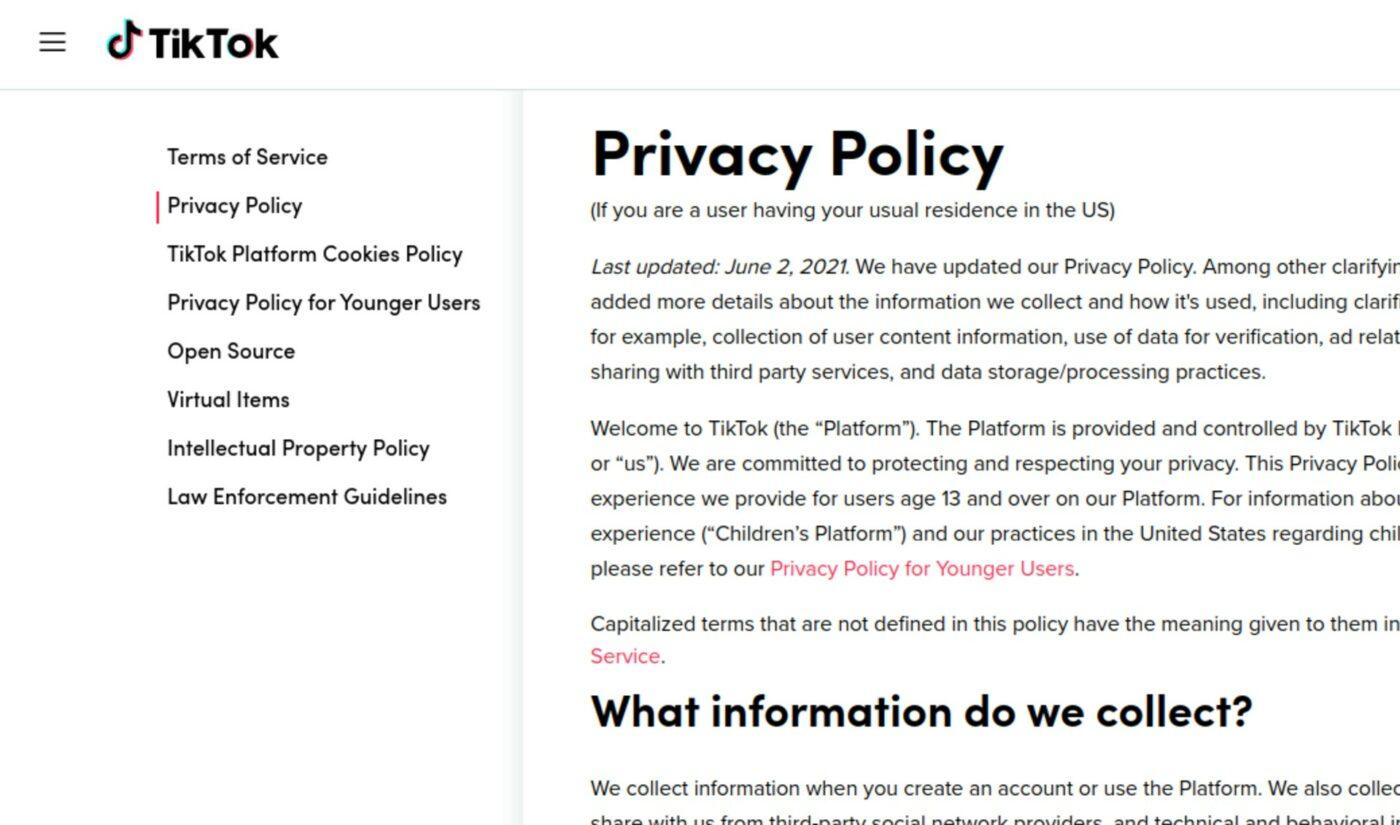
In today’s digital age, social media platforms have revolutionized the way we connect, share, and express ourselves. Among these platforms, TikTok stands out as a cultural phenomenon, captivating millions with its engaging short-form videos and creative expression. However, as with all online interactions, concerns about privacy and data security have emerged, prompting users to evaluate how well they are protecting their personal information. With recent headlines highlighting data breaches and privacy concerns, it has never been more crucial to understand how to safeguard your TikTok account effectively. In this article, we will provide you with actionable steps and best practices to enhance your privacy on TikTok, ensuring that your creative journey is both enjoyable and secure. Whether you’re a casual user or a dedicated content creator, these strategies will empower you to take control of your online presence in a landscape that often feels unpredictable. Let’s dive in and learn how to fortify your TikTok privacy today.
Table of Contents
- Understanding TikTok Privacy Settings
- Creating a Strong and Unique Password
- Managing Your Account Visibility and Interactions
- Utilizing Two-Factor Authentication for Enhanced Security
- The Conclusion
Understanding TikTok Privacy Settings
To protect your personal information while using TikTok, it’s essential to familiarize yourself with the platform’s privacy settings. Start by navigating to your profile and tapping on the three dots in the top right corner to access the Privacy and Safety menu. Within this section, you have several options to regulate who can view your content and interact with you. You can set your account to Private, ensuring only approved followers can see your videos and profile. Moreover, consider restricting comments to Friends Only or turning them off entirely if you wish to minimize unwanted interactions.
In addition to account privacy, TikTok allows users to control how their data is used for advertising. Users can manage settings related to Personalized Ads and opt out of certain data tracking features. Furthermore, review the Who Can Send You Messages and Who Can Duet with You settings to ensure that only trusted friends can reach out or engage with your content. Being proactive in adjusting these settings not only helps maintain your privacy but also enhances your overall TikTok experience.
Creating a Strong and Unique Password
When it comes to safeguarding your TikTok account, having a password that is both strong and distinctive is essential. A password should ideally be a mix of letters, numbers, and special characters to enhance security. Consider creating a passphrase using the first letter of each word from a memorable sentence. This technique not only makes it easier for you to remember but also presents a formidable barrier against potential breaches. Use a combination of upper and lower case letters, numerical digits, and symbols to further strengthen your password. Here are some tips for crafting a robust password:
- Avoid common words and predictable patterns.
- Do not use personal information, such as birthdays or names.
- Use at least 12 characters for increased security.
- Change passwords regularly and do not reuse them across different platforms.
Another crucial aspect is utilizing a password manager. These tools can generate and store complex passwords for you, alleviating the stress of remembering them all. For those who prefer a manual approach, creating a table to track password variations can be useful while ensuring you don’t repeat any. Below is a simple format:
| Password Variation | Purpose |
|---|---|
| MyTikTok#2023! | General Use |
| Secure&Account123 | Financial Transactions |
| VideoUploader!2023 | Content Creation |
Managing Your Account Visibility and Interactions
Controlling who sees your content and interacts with your account is pivotal for maintaining your privacy on TikTok. Start by reviewing and adjusting your privacy settings. You can choose to make your account private, which ensures that only approved followers can view your videos. Also, consider limiting your interactions by disabling comments from strangers and restricting who can send you messages. Here are a few settings to focus on:
- Account Privacy: Switch to a private account.
- Comment Settings: Allow comments from friends only.
- Direct Messages: Restrict DMs to your friends.
- Video Downloads: Disable video downloads to protect your content.
Regularly monitoring your follower list is equally important. Remove any accounts that appear suspicious or are not relevant to your interests. This helps maintain a safe environment and enhances your confidence while sharing your creative content. You can streamline this process by keeping track of your interactions with followers in the table below:
| Follower Name | Interaction Type | Action Needed |
|---|---|---|
| User123 | Commented on videos | Monitor interaction |
| SuspiciousUser456 | Followed recently | Remove |
| GroupieFan789 | Liked multiple posts | Approve follow |
Utilizing Two-Factor Authentication for Enhanced Security
In today’s digital landscape, relying solely on a password for your TikTok account can leave you vulnerable to unauthorized access. Implementing two-factor authentication (2FA) serves as a crucial layer of security that significantly enhances your account safety. With 2FA enabled, even if someone manages to obtain your password, they will still need a second form of verification, which is typically sent directly to your mobile device or email. This often includes a temporary code that you must enter, ensuring that only you can access your account.
To set up 2FA on TikTok, follow these simple steps:
- Open your TikTok app and go to your profile.
- Select the three dots in the upper right corner to access settings.
- Navigate to the ‘Security’ section and find the 2FA option.
- Choose your preferred method (SMS or Authentication App).
- Follow the prompts to complete the setup.
By activating this feature, you’ll not only safeguard your private content but also bolster your defenses against potential threats. It’s a small effort that can lead to substantial peace of mind.
| Verification Method | Pros | Cons |
|---|---|---|
| SMS | Easy to set up, widely accessible | Susceptible to SIM swapping |
| Authentication App | More secure, offline access | Requires app installation |
The Conclusion
safeguarding your TikTok account is not merely about securing your digital presence; it’s a vital step in protecting your personal information in an increasingly interconnected world. By implementing the strategies outlined in this article—ranging from enabling two-factor authentication to regularly reviewing your privacy settings—you can take charge of your online experience and mitigate potential risks. Remember, the digital landscape is ever-evolving, and staying informed and proactive is key to maintaining your privacy. As you navigate the exciting world of TikTok, prioritize your security and enjoy the platform with greater peace of mind. Your privacy matters, and with the right precautions, you can make your TikTok journey both enjoyable and secure.