
In the ever-evolving world of social media, TikTok stands out as a powerful platform for creativity and self-expression. With its unique video editing features and extensive effects, users can transform everyday moments into captivating content that resonates with viewers. Among these features, slow motion and time-lapse are two techniques that can significantly enhance the storytelling potential of your videos. Whether you’re a seasoned creator or just starting out, understanding how to effectively use these effects can elevate your TikTok game. In this article, we’ll explore the ins and outs of incorporating slow motion and time-lapse into your videos, offering tips and examples to help you create engaging and visually stunning content that captures the attention of your audience.
Table of Contents
- Understanding the Basics of Slow Motion and Time-Lapse in TikTok
- Creative Applications of Slow Motion for Engaging Content
- Maximizing Time-Lapse for Dynamic Storytelling
- Technical Tips for Seamless Slow Motion and Time-Lapse Editing
- Concluding Remarks
Understanding the Basics of Slow Motion and Time-Lapse in TikTok
When exploring the creative world of TikTok, understanding the mechanics behind slow motion and time-lapse effects can transform your content. Slow motion allows you to decelerate video playback, emphasizing details and capturing emotions that are often missed in real-time. It’s perfect for showcasing dramatic moments, whether it’s a dance move, an athlete’s trick, or a natural phenomenon. To use this effect effectively, consider the following tips:
- Choose dynamic actions that benefit from added drama.
- Experiment with different playback speeds to find the one that adds the most impact.
- Combine slow motion with engaging audio for a captivating experience.
On the opposite end of the spectrum, time-lapse allows you to condense long periods into short clips, creating an entirely different narrative. This technique is ideal for illustrating changes, such as the transition of a sunset, the hustle of a city, or even a lengthy creative project coming to life. Consider the following strategies to maximize its effect:
- Plan your shots carefully to ensure interesting developments over time.
- Use a tripod to maintain consistency and focus throughout the filming period.
- Integrate music and sound effects that match the accelerated visuals for a seamless blend.
Creative Applications of Slow Motion for Engaging Content
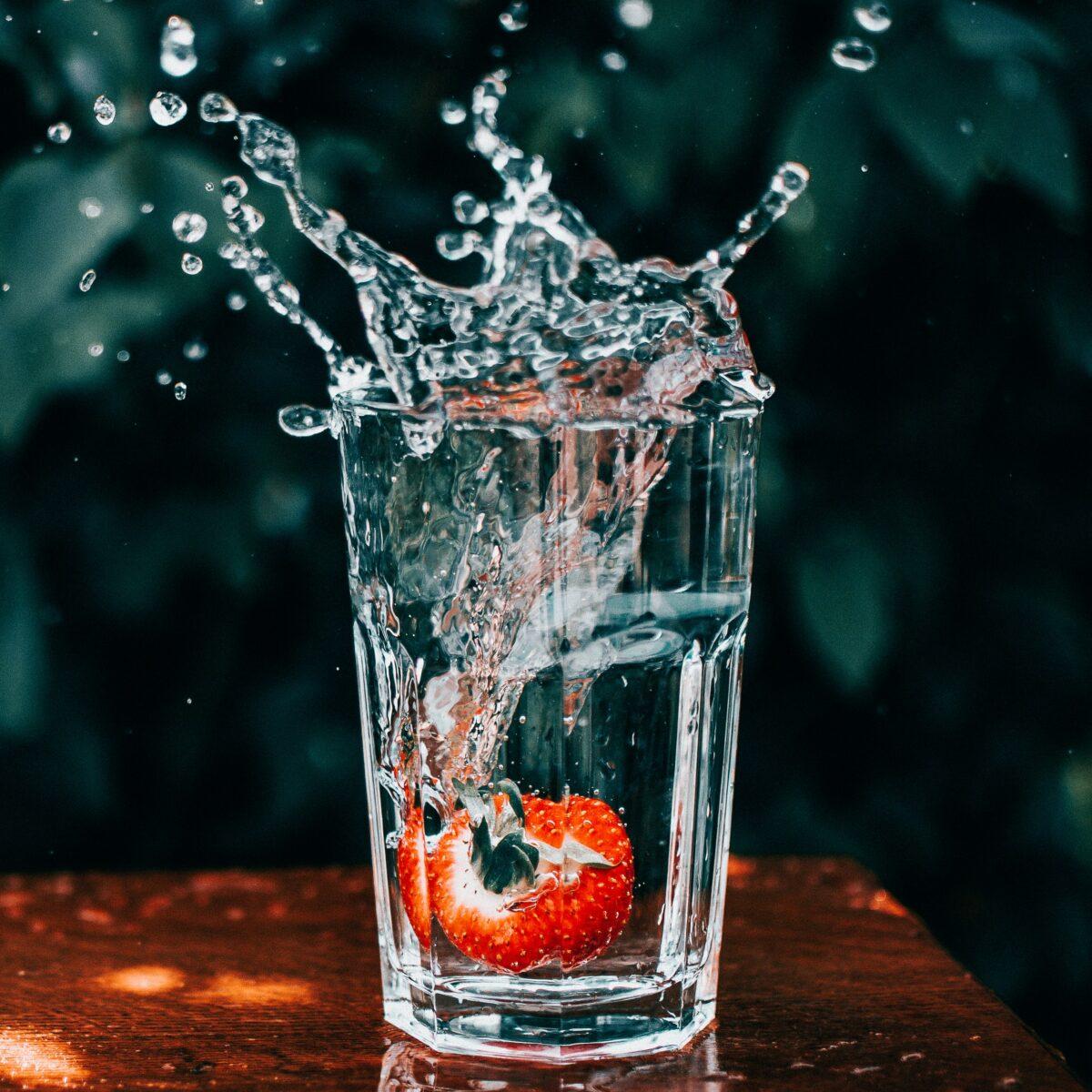
In the world of TikTok, capturing attention is paramount, and using slow motion can elevate your content significantly. Slow motion isn’t just for dramatic effect; it allows viewers to appreciate the intricacies of movement and detail that often go unnoticed at normal speed. Consider demonstrating a creative craft or a dynamic physical activity. By slowing down the process, you can highlight specific techniques or actions, such as the moment paint splatters or how a dancer executes a perfectly timed leap. These moments not only engage viewers but also invite them to experiment and recreate the magic themselves.
Another innovative approach is to combine slow motion with sound design. Enhance your visuals by syncing slow-motion clips with intriguing audio, such as a beat drop or a suspenseful crescendo. This auditory pairing can transform ordinary scenes into compelling narratives. To structure your content effectively, consider utilizing a simple framework:
| Content Type | Slow Motion Element | Audience Engagement |
|---|---|---|
| Dance Challenges | Highlight key moves | Invite followers to duet |
| Cooking Tutorials | Show cake layers rising | Encourage recipe remakes |
| Sports Highlights | Capture technique precision | Foster community discussions |
Maximizing Time-Lapse for Dynamic Storytelling
Time-lapse is an extraordinary tool that transforms mundane activities into captivating visual narratives. By rapidly compressing time, this technique enables viewers to witness the progression of events—like a sunset, the bustling activity in a city, or the transformation of a creative project—from start to finish in just a few seconds. To truly maximize its impact, consider emphasizing the journey rather than just the result. Incorporate thematic elements and diverse angles to illustrate the story’s arc, capturing the atmosphere and essence of each moment. Regularly switching between close-ups and wide shots can create dynamic contrasts, holding the audience’s attention and enhancing engagement.
Moreover, to elevate your time-lapse videos, incorporate ambient sound or a fitting soundtrack. The fusion of visuals with audio creates a richer storytelling experience, complementing the visuals and evoking emotions. You can also use easy-to-follow editing techniques to enhance clarity and fluidity in the final output. For instance, a simple table format can help plan your shots effectively:
| Shot Type | Purpose |
|---|---|
| Wide Shot | Showcase the entire scene |
| Close-Up | Focus on details or emotions |
| Transitions | Migrate between different themes |
Utilizing these elements can significantly enhance the narrative quality of your time-lapse storytelling, ensuring that you keep your audience captivated from beginning to end.
Technical Tips for Seamless Slow Motion and Time-Lapse Editing
When diving into slow motion and time-lapse editing, remember that the key to stunning visuals lies in your footage preparation. Capture at a higher frame rate if you’re aiming for smooth slow-motion effects; shooting at 60fps or above can yield the best results. Conversely, time-lapse requires strategic planning on your shot selection and duration. Use a tripod to maintain a steady frame and ensure your transitions remain seamless. Additionally, consider the speed of movement in your frame—slower movements generally translate better in time-lapse, while dynamic actions shine in slow motion.
Editing software may vary, but most tools support a range of settings to enhance your effects. Here are some important aspects to consider:
| Setting | Slow Motion | Time-Lapse |
|---|---|---|
| Frame Rate | 60fps or higher | 1fps to 30fps |
| Playback Speed | 0.25x to 0.5x | 2x to 100x |
| Audio | Adjust for pitch | Usually muted or sped up |
In addition, color grading can dramatically shift the mood of your footage. Utilize contrasting colors during time-lapse to emphasize changes over time, while soft hues can complement the serenity of slow motion. Furthermore, adding sound effects or background music that aligns with the visual tempo not only enhances the viewing experience but also deepens the emotional connection with your audience.
Concluding Remarks
As we conclude our exploration of mastering TikTok through the art of slow motion and time-lapse, it’s clear that these effects can elevate your video content and engage your audience in unique ways. By understanding when and how to implement these techniques, you can add depth and creativity to your storytelling. Whether you’re aiming for dramatic flair or capturing the beauty of everyday moments in a compressed timeframe, experimenting with these features will certainly enhance your TikTok experience.
Remember, the key to success on this platform lies not just in the effects you use, but in how you connect with your audience. So, don’t hesitate to take risks, try new concepts, and most importantly, have fun with your creation process. Embrace the challenges of learning and let your authentic voice shine through your videos.
Now it’s your turn—grab your phone, start experimenting, and take your TikTok game to the next level. Happy creating!