
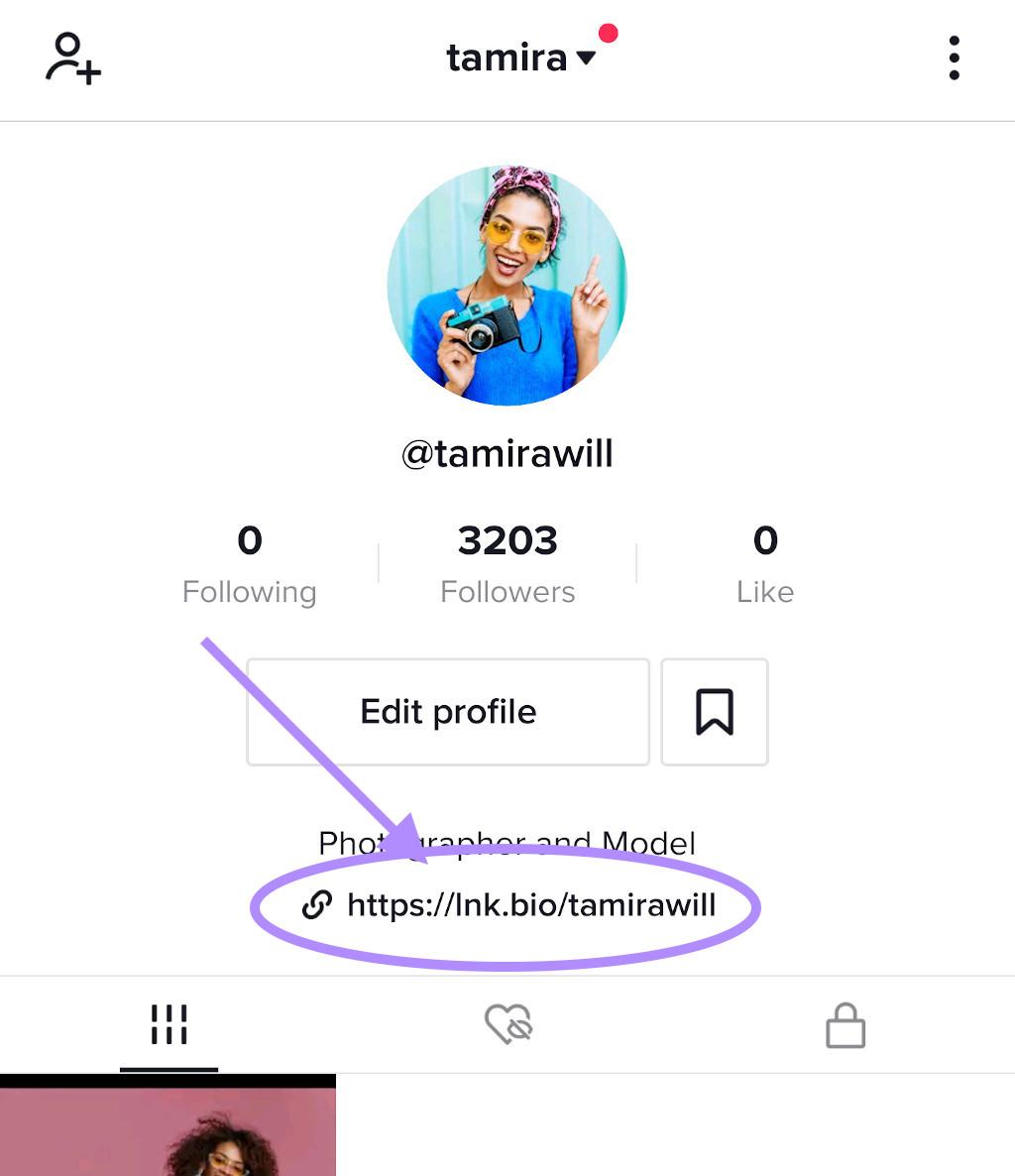
In today’s digital landscape, TikTok has emerged as a powerhouse platform, captivating millions with its short-form videos and lively content creation. However, as users dive into the seemingly endless scroll of entertaining clips, it’s crucial to remain vigilant, especially when navigating links shared within the app. With the convenience of one-click access to external sites, TikTok links can lead to a variety of destinations—some safe, but others potentially harmful. In this article, we will explore essential precautions to take when clicking on links within TikTok, ensuring your online safety while enjoying the creativity and community that the platform has to offer. Whether you’re a casual viewer or an aspiring content creator, understanding the risks associated with TikTok links is a vital step in safeguarding your digital experience.
Table of Contents
- Understanding the Risks Associated with TikTok Links
- Identifying Safe and Unsafe Links on TikTok
- Best Practices for Enhancing Your Safety while Browsing TikTok
- Responding to Suspicious Links: Steps to Take Immediately
- Future Outlook
Understanding the Risks Associated with TikTok Links
As TikTok continues to grow in popularity, it’s important to recognize the potential dangers associated with clicking on links shared within the platform. These links can lead to malicious websites, phishing attempts, or unsolicited downloads that can compromise your personal information and device security. Users should remain vigilant and aware of the following risks:
- Phishing Scams: Malicious links may redirect unsuspecting users to fake websites designed to steal sensitive data.
- Malware: Some links may prompt downloads that install harmful software, putting your device at risk.
- Data Privacy: Clicking on unknown links can expose personal information, making you vulnerable to identity theft.
- Inappropriate Content: Some links can lead to explicit or harmful material that may not be suitable for all users.
To mitigate these risks, it’s essential for TikTok users to adopt best practices when navigating links shared on the platform. Here’s a simple table to highlight important precautions:
| Precaution | Description |
|---|---|
| Verify Links | Check the URL for authenticity and ensure it’s from a trusted source. |
| Use Security Software | Install antivirus and anti-malware tools to protect against malicious attacks. |
| Avoid Clicking on Suspicious Links | If a link seems questionable, it’s better to err on the side of caution and not click. |
| Report Suspicious Content | Notify TikTok of any links or profiles that seem fraudulent or harmful. |
Identifying Safe and Unsafe Links on TikTok
As TikTok continues to grow in popularity, users are increasingly exposed to a flood of external links shared within videos and comments. Recognizing whether a link is safe or potentially harmful is crucial for safeguarding your online experience. Here are some key indicators to help you discern the safety of links:
- Domain Reputation: Investigate the website by checking its domain. Well-known domains like .gov or .edu often are more reliable.
- Shortened URLs: Be cautious with links that use URL shorteners, as they can hide the actual destination. Services like Bitly or TinyURL may lead to both safe and unsafe sites.
- Pop-up Warnings: If you click a link and encounter multiple pop-ups or a warning page, it’s a sign to exit immediately.
- Content Context: Evaluate the surrounding content. Links that seem misplaced or not related to the video’s theme can raise red flags.
Moreover, if you find yourself unsure about a link’s legitimacy, there are various tools and resources available that can assist you. Consider using link checkers or security websites that analyze URLs for potential threats. Here’s a simple comparison of some popular tools:
| Tool Name | Description | Link Check Capability |
|---|---|---|
| VirusTotal | Scans URLs for malware and viruses. | Yes |
| URLVoid | Checks the reputation of a website. | Yes |
| Google Safe Browsing | Identifies phishing and malware sites. | Yes |
Best Practices for Enhancing Your Safety while Browsing TikTok
When navigating TikTok, it’s crucial to prioritize your safety by adopting certain practices. First and foremost, always verify the source of links before clicking on them. Scammers often use popular platforms to spread malicious links disguised as legitimate content. Be cautious of links shared in comments or direct messages from unfamiliar users. To help assess the reliability of a link, consider using tools like URL shorteners for previews or checking for information about the link’s destination through Google or other search engines.
In addition to scrutinizing links, employ privacy settings to cultivate a safer browsing experience. TikTok provides various privacy features that allow users to control who can see their content and interact with them. Ensure that your account is set to Private if you prefer restricting visibility to a select group. Regularly review your followers and block any users who raise red flags. Furthermore, familiarize yourself with TikTok’s reporting options, so you can quickly address any problematic content or interactions you encounter.
Responding to Suspicious Links: Steps to Take Immediately
Upon encountering a suspicious link on TikTok, it’s imperative to act swiftly and thoughtfully. Start by not clicking on the link, as it could lead to malicious websites that compromise your device’s security. Instead, examine the link closely for any signs of fraud, such as misspellings or unfamiliar domain names. If you’re unsure, consider running the link through a URL scanner to check its safety. Remember, legitimate links typically belong to reputable domains; anything that deviates may warrant further scrutiny.
If you’ve clicked on a dubious link, immediately take the following steps to mitigate any potential damage:
- Disconnect from the Internet to prevent any unwanted data transmission.
- Run a security scan on your device using a trusted antivirus program.
- Change your passwords for any accounts you believe may have been compromised.
- Notify your contacts if you suspect your account may have been hacked to prevent them from falling victim as well.
For quick reference, see the table below summarizing actions to take immediately after clicking on a suspicious link:
| Action | Description |
|---|---|
| Disconnect | Cease any internet connection. |
| Scan | Run a security software scan for threats. |
| Change Passwords | Secure your accounts with new passwords. |
| Alert Contacts | Inform friends and family of potential scams. |
Future Outlook
As we conclude our exploration of navigating TikTok links, it’s essential to remember that while this platform offers a vibrant space for creativity and connection, it also comes with inherent risks. By staying vigilant and employing the protective measures outlined in this article, you can significantly enhance your online safety and reduce the chances of encountering malicious content. Always think before you click, verify sources, and prioritize your digital well-being.
In an age where information is just a tap away, responsible engagement is more crucial than ever. Whether you’re a casual user or a budding influencer, be proactive in ensuring your online experiences are secure and enjoyable. Thank you for joining us on this journey through the intricate world of TikTok links. Stay safe, stay smart, and keep making the most of this dynamic platform!